Coin Tavern Tools
Plan decks, compare archetypes, and prepare for stage debt before you spend tickets in your next run.
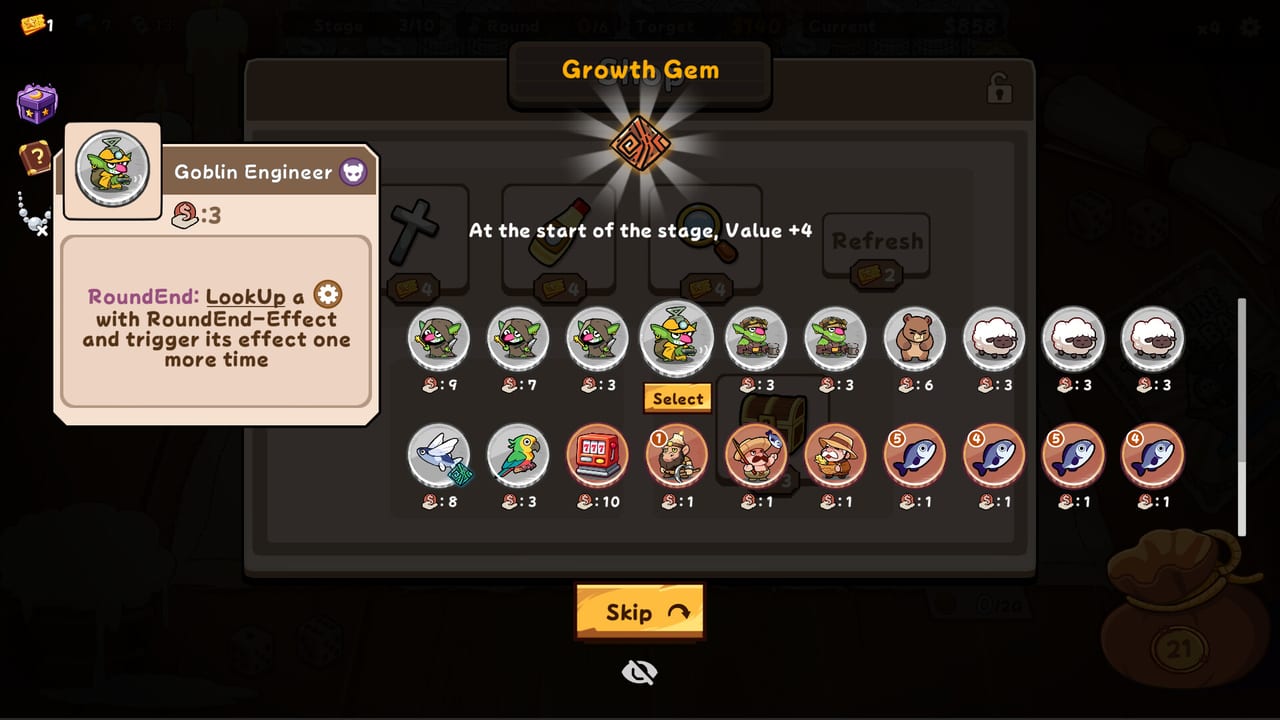
Coin Tavern rewards improvisation — shop offers, relic drafts, and flip variance change every run — but improvisation works better with a plan. The tools hub collects on-site utilities that let you sketch strategies outside the tavern so in-run decisions feel faster and less regretful. You still adapt to what the game offers; you just arrive with a clear archetype in mind.
Featured Tool: Deck Planner
The Deck Planner is an interactive page where you outline faction focus, core coin roles, target relic themes, and optional notes for debt pacing. Use the planner on that page directly: add roles such as multi-flip engine, debt pacer, or cross-faction bridge, mark which factions you want to combine, and save a mental blueprint before launching Steam.
The planner is not a save editor and does not connect to your Steam account. It is a thinking aid. After sketching, compare your plan to Best Builds, the Build Strategy Tier List, and Coin Archetype tiers to see whether your roles align with strong launch patterns.
When to Use Tools vs Guides
Guides like How to Play and How to Combo teach mechanics and timing. Tools help you apply that knowledge to your next attempt. Read guides when you do not understand debt targets, reflips, or shop flow. Open tools when you understand the loop but want direction — for example, committing to a Machine reflip engine with Human economy support before you spend your first ticket.
If a run collapses because you missed a debt target despite strong flips, revisit Economy Builds rather than only tweaking the planner. Tools optimize direction; economy discipline keeps the run alive.
Cross-Reference While Planning
Keep these pages one tab away while planning:
- Relics — effect families that should match your relic goal field in the planner
- Coins — faction tags and role keywords when you translate a sketch into shop priorities
- Relic Archetype Tier List — which passive rules deserve your draft priority
- Updates and What’s New — patch context so you are not planning around rebalanced numbers
Tool Limits and Fair Play
Wiki tools describe public game systems documented on this site. They do not expose hidden odds, datamined internals, or unreleased content. If Woven Dream Isle adds new factions, gems, or modes post-launch, planner fields and guide links will expand as those systems are verified.
Single-player runs have no competitive advantage to cheating via planners — the value is clarity. Treat sketches as flexible. When a shop offers an S-tier bridge coin outside your plan, the planner should not stop you from taking it; update the sketch and continue.
Future Additions
The tools category may grow with calculators or reference widgets as the community identifies repeatable math — average gold per flip bands, debt safety margins, or relic draft scoring. For now, the Deck Planner covers the highest-impact planning step most players ask for after reading Guides.
Frequently Asked Questions
Quick answers to the most common questions.
Does the Deck Planner modify my Steam save?
No. It is a browser-based planning aid on the wiki. Your Coin Tavern progress stays entirely inside the game client.
Should I plan every run in the Deck Planner?
Helpful for learning and for pushing higher stages, but not mandatory. Short sketches before a run reduce wasted tickets and unclear relic picks.
Which wiki pages pair best with the planner?
Best Builds, the tier lists, and Coins or Relics references when you need to map roles to faction tags.
Are wiki tools updated after patches?
Tool pages note when balance changes affect planning assumptions. Check What's New after Steam updates from Woven Dream Isle.